
Access and security
SFTP only
Connections are always encrypted over port 22
- All plans
No IAM roles, no S3 buckets, no hourly endpoint fee. Create a server in 30 seconds and send your customer the loginNo IAM roles, no S3 buckets, no hourly endpoint fee. Create a server in 30 seconds and send your customer the login
AES-256 · SSH key & password · Hosted in Chicago
8hours savedevery month
My clients get their own secure access instead of download links by email. Fewer follow up questions save me 8 hours and it looks professional
Set up in minutes: no new software or retraining. Via WinSCP, FileZilla, the command line, and directly from your code
Your email is all you need to sign up. No payment details required
After confirmation you receive your host, port, and login details
Connect via WinSCP, the command line, or directly from your code
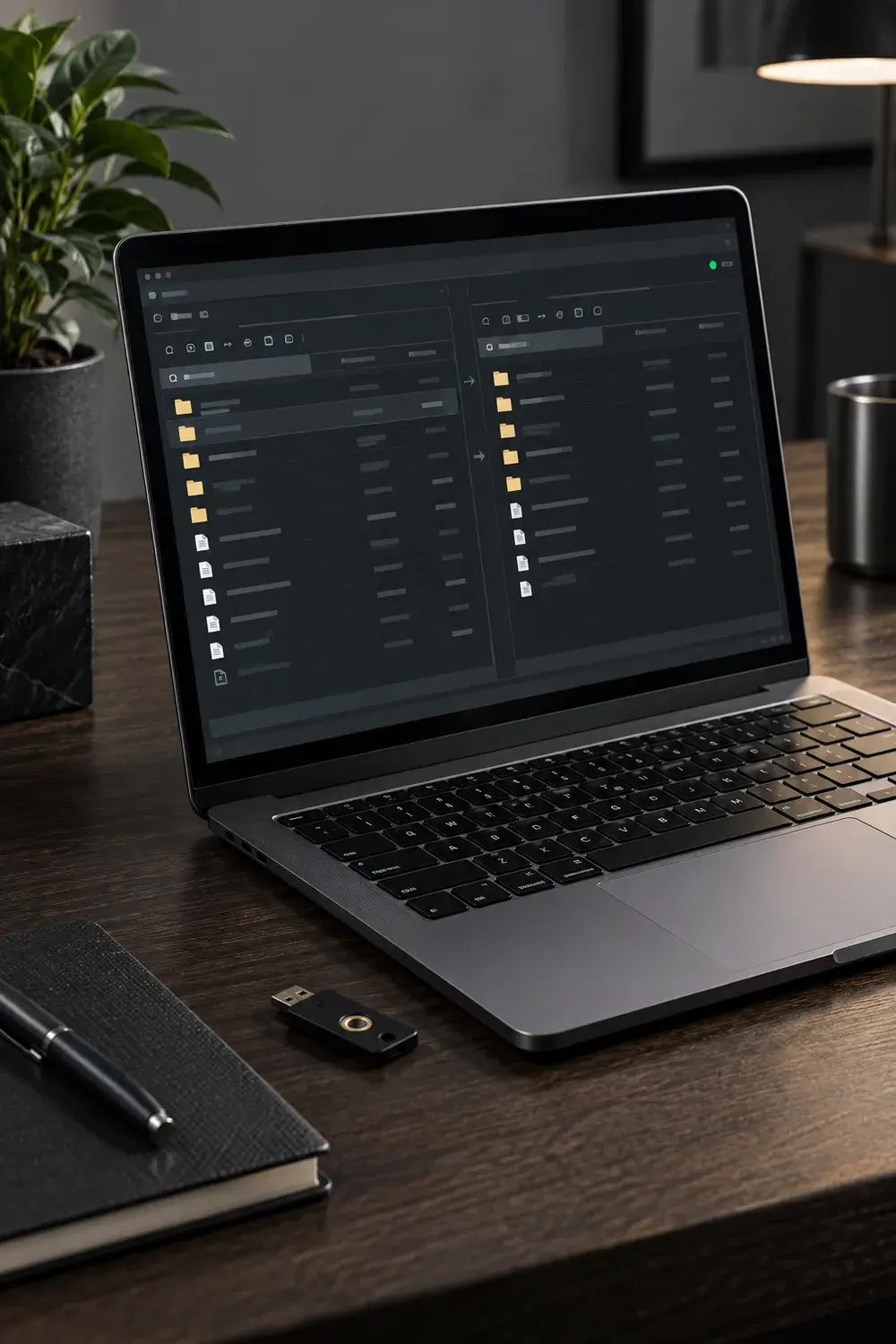
Enter the connection details and drag your files onto the server
Password or SSH keyPort 22
Locations on request via OVHcloud · Regions and Local Zones, depending on service and availability
Connections are always encrypted over port 22
Files are encrypted at rest using the AES 256 algorithm
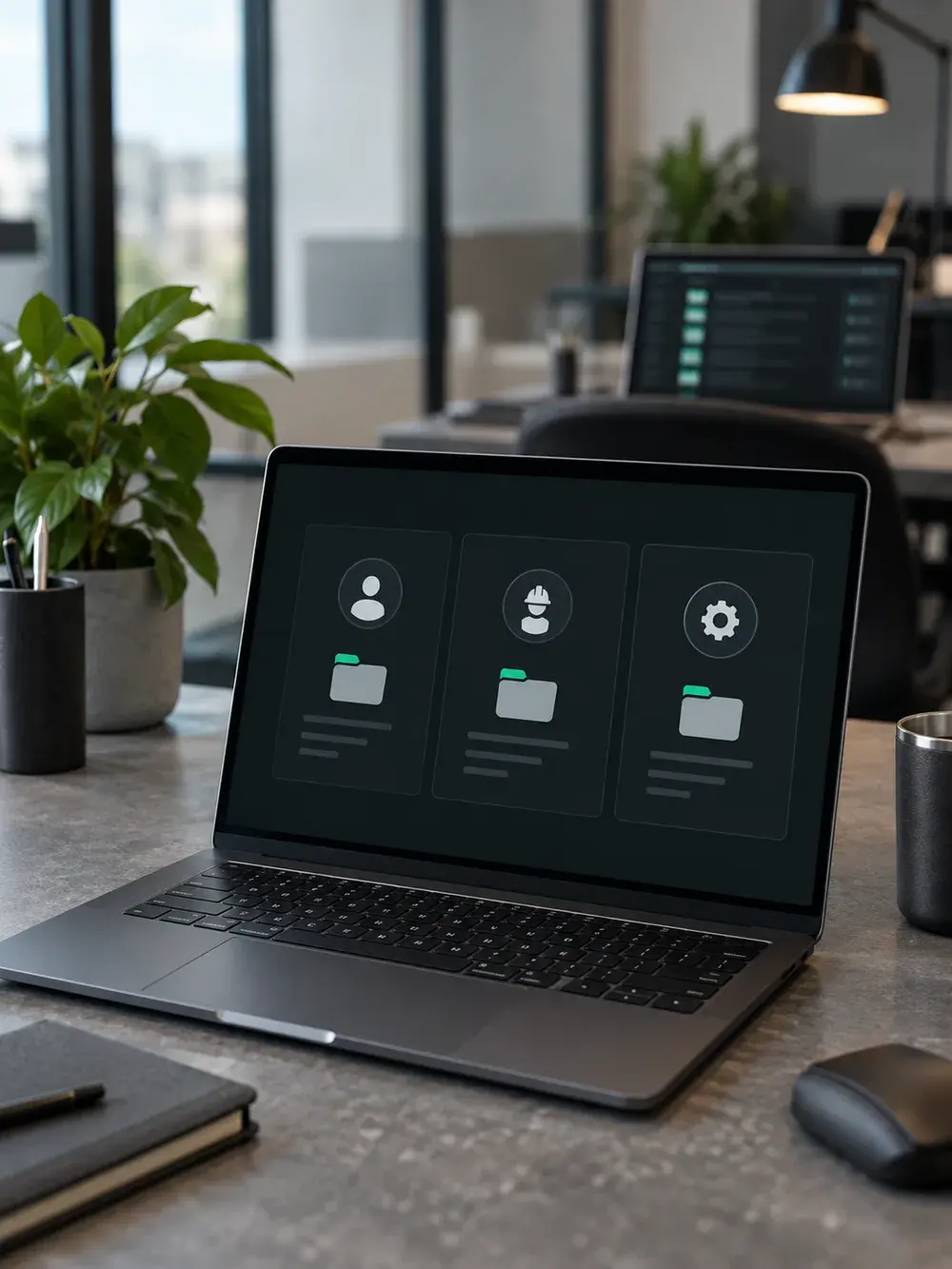
Separate accounts for customers, suppliers, and apps, each with its own credentials
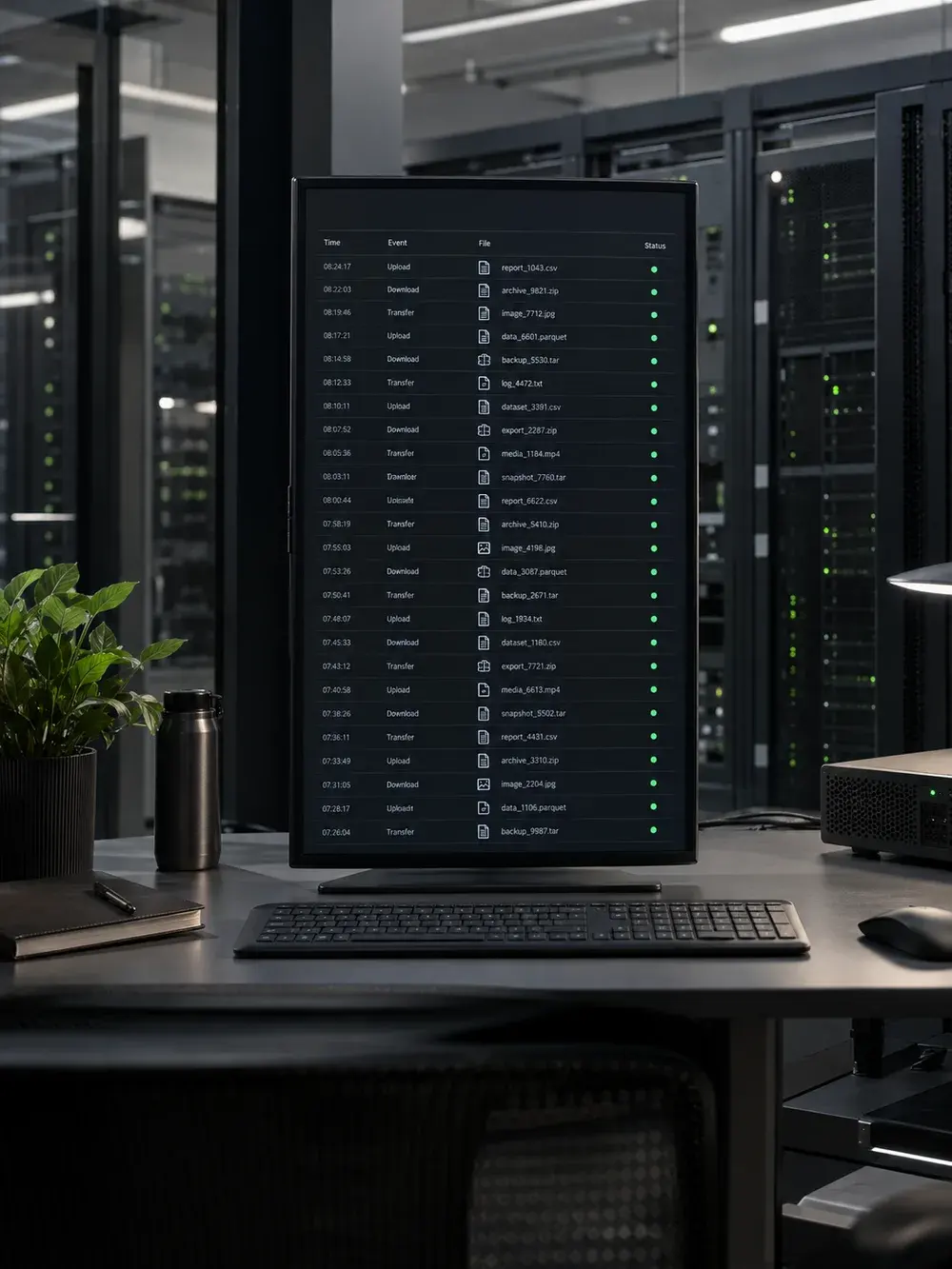
Audit logs show you who uploaded or downloaded which files, and exactly when
Only approved IP addresses can connect to your server, all others are rejected
Use your own SFTP instance for your organization, isolated from other customers
for tests and connecting real systems
forever
5 GB
for production use with machines, ERP, and partners
or $20.40/mo monthly
100 GB
for company-wide file exchange
or $70.80/mo monthly
1 TB
when security, isolation, and SLA are non-negotiable
billed annually
1 TB
Before launch or in production: we support you with setup, integration and data protection

Ing. Tobias Brida
Your contact for SFTP
Data for the US offer is stored on infrastructure in Chicago, United States.
Yes. Choose SFTP as the protocol and use the host returned with your account, port 22, and your personal credentials.
Yes. Select the United States storage region when creating your account to provision it in Chicago.
Yes. You can use a password, an SSH key, or both — in Europe and in the United States.
Yes. Business and Enterprise include support for customer-owned S3-compatible storage backends.
No. Our service is limited to SFTP because it requires only port 22. FTPS requires port 21 as well as a range of passive data ports that must be opened in the firewalls on both sides. If a partner system supports FTPS only, we can set up a bridge on request: it accepts the partner’s FTPS connection and makes the files available in your SFTP account.