One partner, every step
Sync Motion handles setup, hardening and ongoing operation of the SFTP platform on your infrastructure
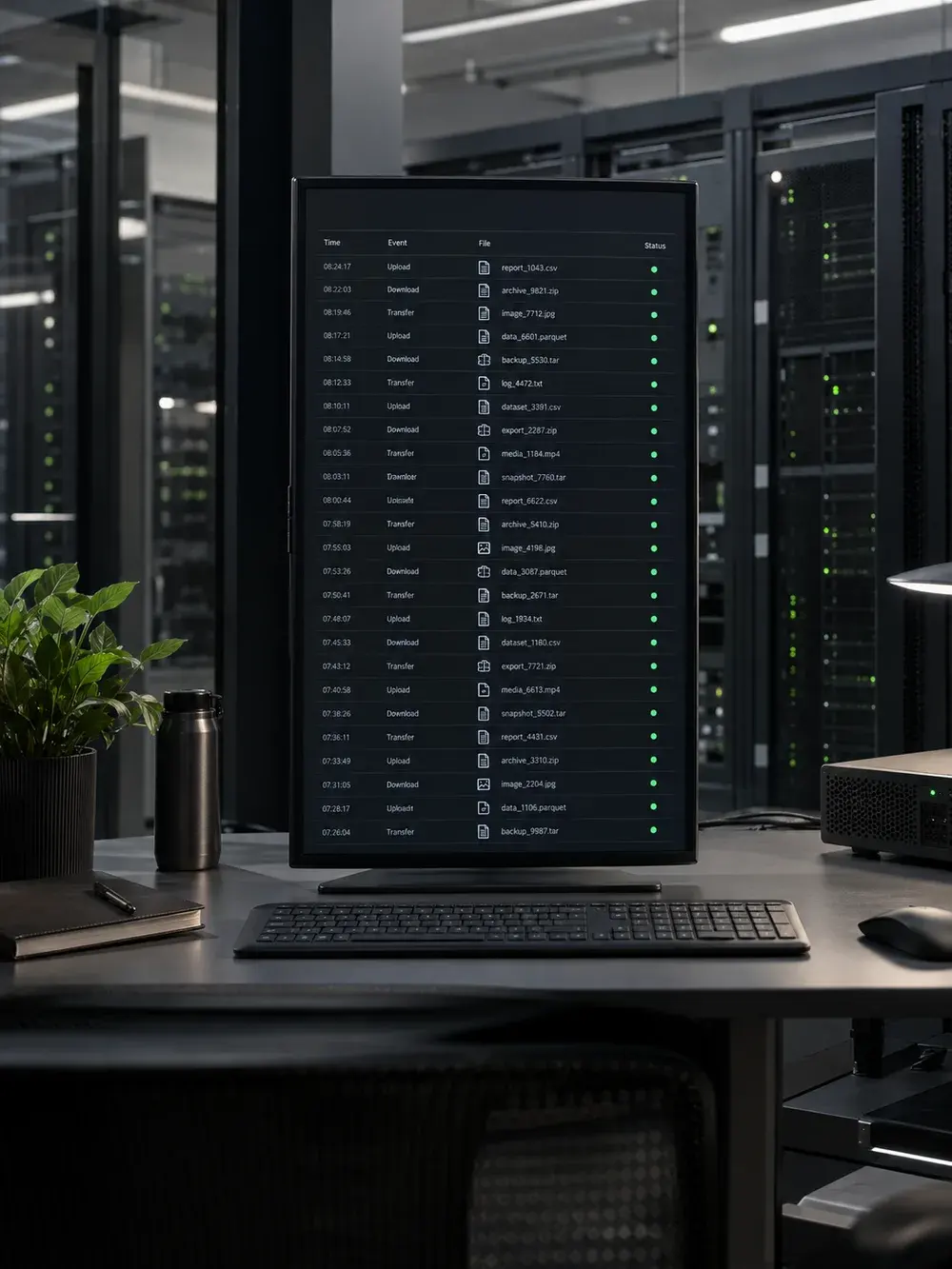
Illustrative images, created with AI
You keep sensitive business data behind your firewall. Sync Motion keeps your server patched, monitored and supportedYou keep sensitive business data behind your firewall. Sync Motion keeps your server patched, monitored and supported
Built in Austria · Red Hat Partner · US support line
 Red Hat PartnerUS support line
Customer story
When we needed to implement an SFTP solution on a tight timeline, Sync Motion exceeded our expectations in every way. [...] we intend to utilize Sync Motion as our sole SFTP provider across all of our companies. [...] I would enthusiastically recommend them

Keep control of your data and who can access it. Secure file transfers using WinSCP, FileZilla, the command line or your own code. We handle monitoring, updates and support
Exchange files with customers, suppliers and partners using encrypted SFTP and familiar tools
Run on your own servers, with your existing systems, access policies and backup processes
Monitoring, updates and support through an outbound connection you can switch off
Sync Motion handles setup, hardening and ongoing operation of the SFTP platform on your infrastructure
Illustrative images, created with AI
Red Hat Enterprise Linux or AlmaLinux as the foundation, deployed on physical or virtual servers
Illustrative images, created with AI
Your system opens the encrypted maintenance connection to Sync Motion. No inbound port forwarding is needed for remote maintenance
Illustrative images, created with AI
One click in the panel disconnects the tunnel. After that there is no access until you enable it again. While the tunnel is disconnected, monitoring, updates and response times are paused
Illustrative images, created with AI
Maintenance access is recorded in the panel and the audit log. Logs can be forwarded to your SIEM via syslog
Illustrative images, created with AI
Monthly security updates for the operating system and TransferSafe run in approved maintenance windows. Urgent patches are brought forward in agreement with your IT team
Illustrative images, created with AI
Quarterly operations reports and documented restore tests complement the system description and audit-ready documentation for your compliance reviews
Illustrative images, created with AI
Service levels and terms
For daily file exchange with support during business hours
$175 per month
Unlimited accounts and folders
Storage on your infrastructure
For file transfers that production and logistics depend on
$400 per month
Unlimited accounts and folders
Storage on your infrastructure
Integrations, changes, training Incident resolution included in the operations package
Billed by time spent
Minimum charge
15 minutes per request
All prices in USD, exclusive of applicable sales tax. Server, network, storage and backup infrastructure are provided by the customer. Migrations, custom integrations and paid third party licenses are quoted separately. The binding scope of services is set out in the quote
Your IT team provides the infrastructure. Sync Motion handles the setup and guides the transition into ongoing operation
Use case, data volumes and operational requirements form the basis for a quote with a defined scope and a fixed price
Your IT team receives the technical requirements for server, network, storage and backup and provides the agreed environment
Sync Motion installs and hardens the system. A joint test transfer confirms that access, permissions and file exchange work
You receive documentation and an introduction to administration. After acceptance, ongoing support begins with monitoring and agreed maintenance windows
Before rollout or in operation: Sync Motion supports you with planning, setup and connecting your partners

Tobias Brida
Your contact for SFTP
Data location
Operational responsibility
Deployment
Availability depends on
Operations documentation
Cost