
01
FTP stays FTP
The source system connects to Sync Bridge just like it would to any other FTP or FTPS server.

Existing systems keep sending over FTP or FTPS. Sync Bridge handles the SFTP connection to Sync Motion.
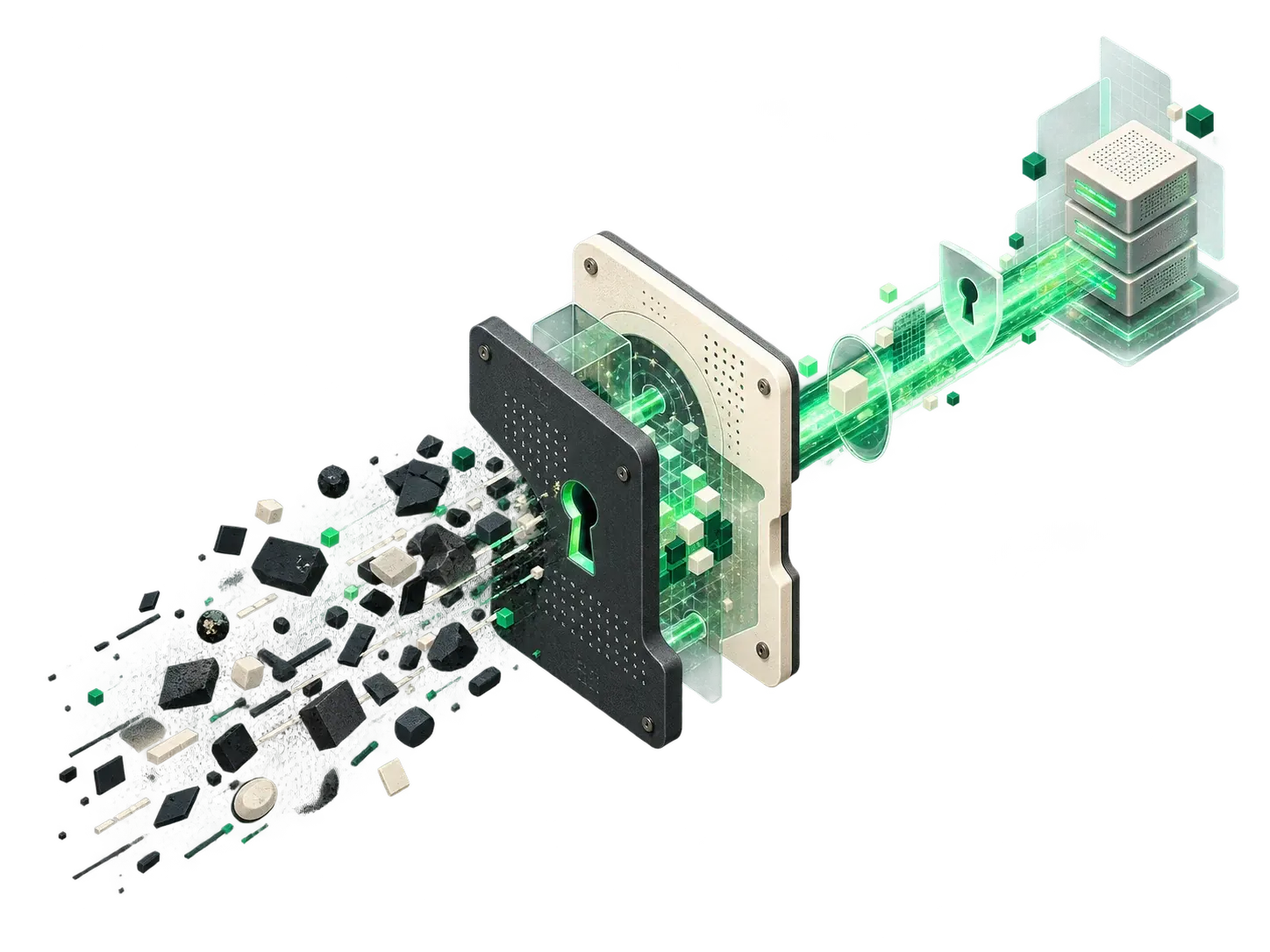
Windows · Linux · Docker · Outbound connection over port 22 · No internet-facing FTP server
If a machine controller, Plesk installation, or older application only supports FTP or FTPS as a storage target, Sync Bridge provides the matching endpoint on your local network.
Source systems
Sync Bridge
On your local network
Managed SFTP
Sync Motion SFTP
Result
The source system continues to communicate over FTP or FTPS.
What stays unchanged
The source system connects to Sync Bridge just like it would to any other FTP or FTPS server.
FTP and FTPS stop at the local network. Only the Bridge opens an encrypted SSH connection to external storage.
The Bridge works on the remote SFTP storage. The solution requires no scheduled synchronisation.
Setup
Sync Bridge runs on Windows, Linux, or as a Docker container.
Enter the host, port, and credentials once.
Change the server address and credentials to the Bridge in the source system.
Typical use cases
The controller writes CSV files, XML data, or logs over FTP.
Cameras and recorders send their exports over FTP to the local Bridge.
File-based ERP and EDI interfaces continue to use FTP or FTPS.
For existing backup jobs, only change the destination address to the local Bridge.
Older applications connect to the local Bridge over FTP or FTPS.
Plesk uses the local Bridge as its FTP(S) backup target.
Technical scope
FAQ
No. The system continues to send over FTP or FTPS. You only change the destination address and credentials to the locally running Bridge.
On your network. The Bridge runs on Windows, Linux, or as a Docker container. The source system reaches it locally, while the Bridge opens the outbound SFTP connection over port 22.
The connection from the Bridge to Sync Motion is always encrypted. Plain FTP on the local network is not. Use plain FTP only inside a restricted, trusted network and choose FTPS whenever the client supports it.
No. The Bridge works on the remote SFTP file system. It does not run a synchronisation job or retain a permanent local copy.
Yes. Plesk keeps FTP(S) as its storage target. Enter the locally reachable Bridge as the server; the Sync Motion SFTP access sits behind it.
Next step
We will check by email whether the Bridge fits your client and network.
Available as a managed pilot.