
Connect directly with SFTP
Customer’s site
Camera /
recorder
recorder
Off-site
storage
storage
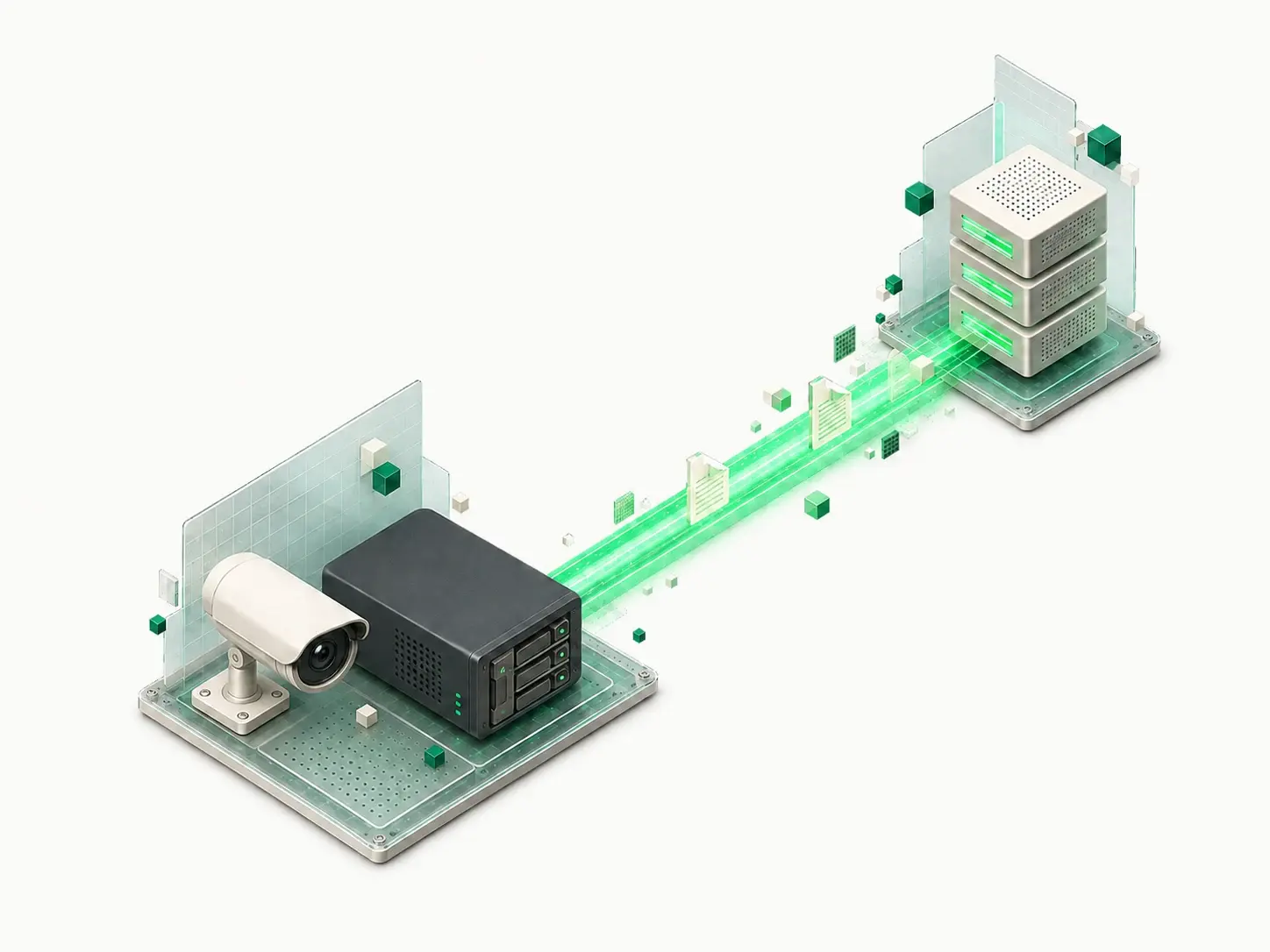
Enter your Sync Motion host, port 22, and a password or SSH key in your camera or recorder’s SFTP settings.
Keep a copy if the recorder is stolen. We store your uploaded clips and snapshots off-site.
5 GB free storage · FTP/FTPS compatible · Password or SSH key
SFTP equipment connects directly. FTP and FTPS equipment needs Sync Bridge running at your customer’s site.
Customer’s site
Enter your Sync Motion host, port 22, and a password or SSH key in your camera or recorder’s SFTP settings.
Customer’s site
Run Sync Bridge on-site using Windows, Linux, or Docker. It sends FTP and explicit FTPS uploads to our SFTP storage.
Compatibility varies by model. Send us your camera model and we’ll help you check.
At your customer’s site
Outside the building
Use your Sync Motion credentials in an SFTP client.
Save the clips or snapshots you need to your computer.
Use software that supports your camera’s file format.
Your recorder keeps handling normal recording and playback. Only uploaded files are stored off-site.
Set up the cameras and uploads. Run Sync Bridge on-site if needed, then test an upload and download.
Sync Motion operates the off-site SFTP storage and transfer service.
You can include storage in the service you provide to your customers.
for tests and connecting real systems
$0/mo
forever
5 GB
for production use with machines, ERP, and partners
$14/mo billed annually
or $16.8/mo monthly
100 GB
for company-wide file exchange
$59/mo billed annually
or $70.8/mo monthly
1 TB
when security, isolation, and SLA are non-negotiable
Custom
billed annually
1 TB
Available as a managed pilot. The free 5 GB offer covers SFTP storage. Confirm the bridge setup scope and any charges with us before connecting the site.
Discuss your bridge setupCheck the upload settings and documentation for the exact camera or recorder model and firmware. Equipment that uploads files over SFTP can connect directly. FTP or explicit FTPS (AUTH TLS) requires Sync Bridge on the customer’s network. Check which clips or snapshots the model can export, then test an upload and download before adding it to your customer’s service.
At your customer’s site, on a Windows or Linux computer or in Docker. The camera connects to that local host; Sync Bridge connects outbound to our SFTP storage over port 22. The host must be running and reachable for transfers. Choose explicit FTPS when supported; plain FTP is unencrypted and belongs on a restricted, trusted local network.
Storage capacity is listed in GB, rather than days of footage. How much footage fits depends on the files your equipment uploads. A retention period and automatic cleanup policy are not specified in the current offer. Confirm the retention requirements for your customer’s site with us before relying on a set number of days.
The current offer does not specify how uploads are handled at the storage limit. Confirm this with us before putting the setup into service. Measure a representative batch of uploads to choose enough capacity, and agree how files will be removed or storage expanded. Do not assume old footage is automatically deleted to make room.
Files cannot reach the remote storage while the site is offline. Sync Bridge works on the remote file system and does not retain a permanent local copy. Any queuing, retry, or resend behavior depends on the camera or recorder. Check its documentation and test an interrupted upload; automatic catch-up is not guaranteed.
Next step
Free plan with 5 GB storage