
ERP and EDI interfaces
File-based imports and exports move directly to SFTP or remain reachable through a local FTP/FTPS Bridge.

Move on from your legacy system and modernise file transfers securely.
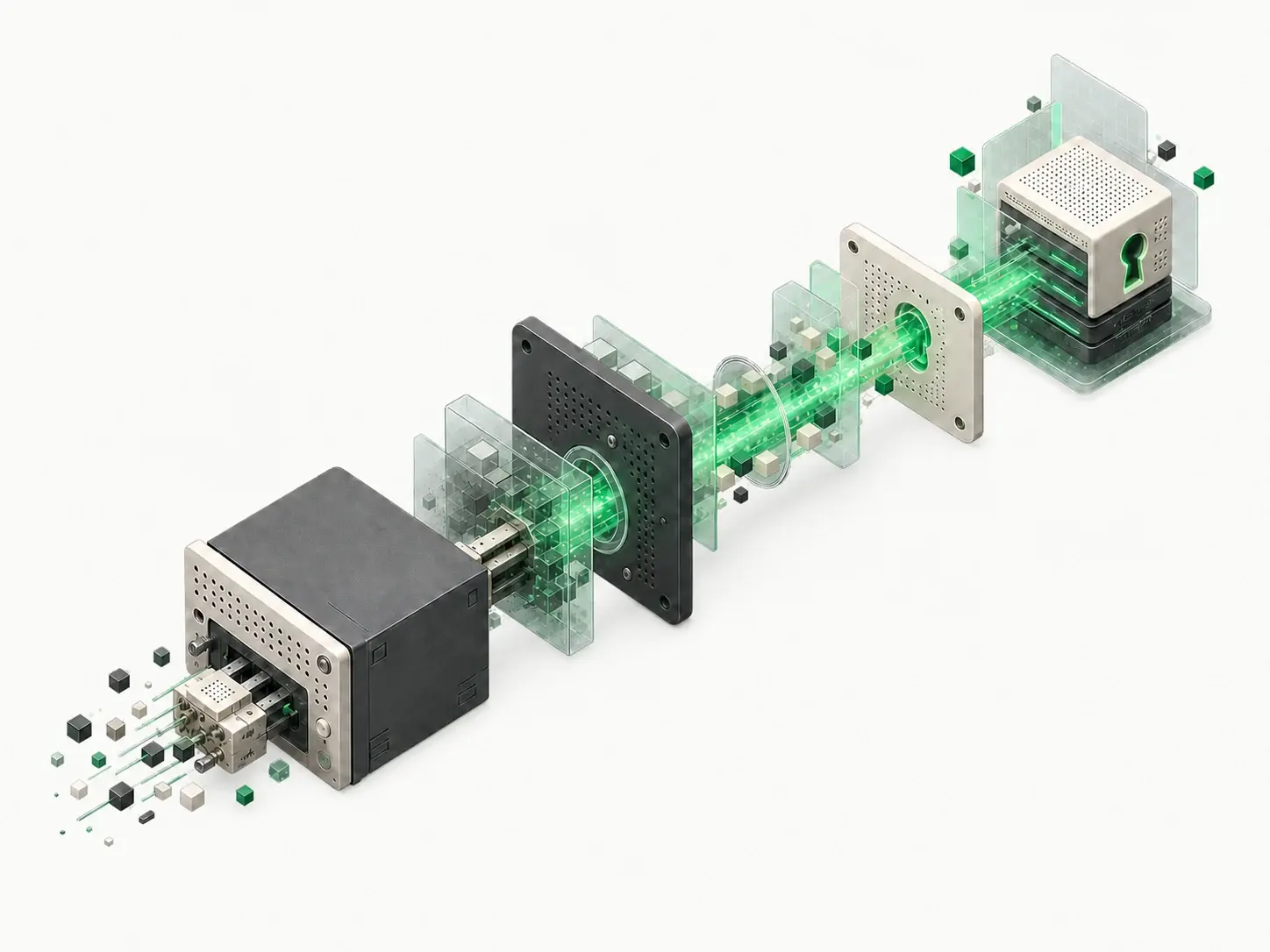
Sync Bridge for legacy systems · Keep existing workflows · Old and new run in parallel
Modern clients move directly to SFTP. Legacy systems are modernised or go securely through the Sync FTP/FTPS to SFTP Bridge on the local network.
Current environment
FTP / FTPS only
Managed SFTP
Sync Motion SFTP
SFTP over SSH · port 22
On-premises modernisation
If data must not leave your site, we modernise your existing FTP server on premises. The insecure FTP service is replaced with a secured SFTP server on your own infrastructure.
With the enterprise package we handle planning, setup, and operations. Users, permissions, and directory structures stay in place, while updates and monitoring continue as a managed service.
The cutover is planned per connection, without changing every source system at once.
FTP servers, users, directories, data flows, schedules, and connected systems are documented.
For each client it is determined whether SFTP works directly or a local FTP/FTPS Bridge is needed.
SFTP access, directories, and permissions are prepared; where required, Sync Bridge is installed locally.
A representative data flow is moved; transfer, file processing, and failure cases are checked.
Connections are migrated one at a time; the old FTP service is retired only after verification.
No matter how old the system is, it is only retired once the new connection works.
File-based imports and exports move directly to SFTP or remain reachable through a local FTP/FTPS Bridge.
Controllers keep sending CSV, XML, or log files to a familiar FTP endpoint on the production network.
SFTP-capable jobs receive a new target; existing FTP(S) jobs can point to the local Bridge.
Plesk uses Sync Bridge as its local FTP(S) backup target and reaches the SFTP storage behind it.
Devices without SFTP support deliver exports to the Bridge inside the restricted local network.
WinSCP, FileZilla, and automated scripts connect directly with the new host, port 22, and credentials.
Protocol comparison
SFTP is not encrypted FTP but a separate protocol over SSH. The client must support it – or connect through Sync Bridge.
| Criterion | FTPLegacy | FTPSTransition | SFTPTarget |
|---|---|---|---|
| Transport | Dedicated FTP protocol | FTP with TLS | SSH File Transfer Protocol |
| Typical port | 21 plus data channels | 21 plus data channels | 22 |
| Encryption | None with plain FTP | TLS, depending on client and configuration | Encrypted SSH connection |
| Firewall behaviour | Multiple connections and passive ports | Multiple connections and passive ports | One outbound connection is sufficient |
| Role in the target architecture | Keep only locally behind Sync Bridge | Terminate locally at Sync Bridge when needed | Direct connection to Managed SFTP |
Managed SFTP
The new SFTP endpoint is provided as a managed service. Connect existing clients, scripts, and systems over SFTP without operating a public SSH file service yourself.
For the United States market, Managed SFTP is provided on infrastructure in Chicago, USA.
View Managed SFTPExisting SFTP clients connect to the provided endpoint over the standard SSH port.
Access supports the authentication methods offered by the Managed SFTP service.
Files in managed storage are encrypted with AES-256.
A free 5 GB access lets you test the connection; plans and storage can be expanded later.
Migration decision
The deciding factors are the protocols each connected system actually supports and the network boundaries that need to stay in place.
SFTP can be configured in the ERP system, tool, script, or backup job.
Connect directly to Managed SFTP and test the data flow.
View Managed SFTPThe source system cannot technically be switched to SFTP.
Keep FTP(S) local and translate it to SFTP through Sync Bridge.
View Sync BridgeSeveral systems, protocols, and dependencies need to be coordinated.
Combine direct and Bridge-based paths in a phased migration plan.
Discuss modernisationFAQ
FTP has no built-in encryption. FTPS adds TLS to FTP. SFTP is a separate protocol over SSH and typically uses port 22, so an FTP client does not automatically support SFTP.
No. Assess, pilot, and cut over each connection separately. SFTP-capable systems migrate directly, while systems limited to FTP or FTPS can run through Sync Bridge in parallel.
It connects to Sync Bridge on the restricted local network. The Bridge opens the outbound SFTP connection over port 22, so no internet-facing FTP server is required.
Not by default. Existing structures can usually remain. The pilot verifies permissions, file operations, and downstream processing before production cutover.
Yes. A free Managed SFTP access with 5 GB can be used for connectivity and representative data-flow tests without payment details.
It depends on the number of users, directories, and connected systems. After the inventory, one representative data flow is piloted first; the remaining connections can then be moved in stages.
Yes. If data must not leave your site, the existing FTP service can be replaced with a secured SFTP server on your own infrastructure. Planning, setup, updates, and monitoring can be provided as a managed service.
Next step
Leave your email address, we will get in touch to discuss the next steps.